
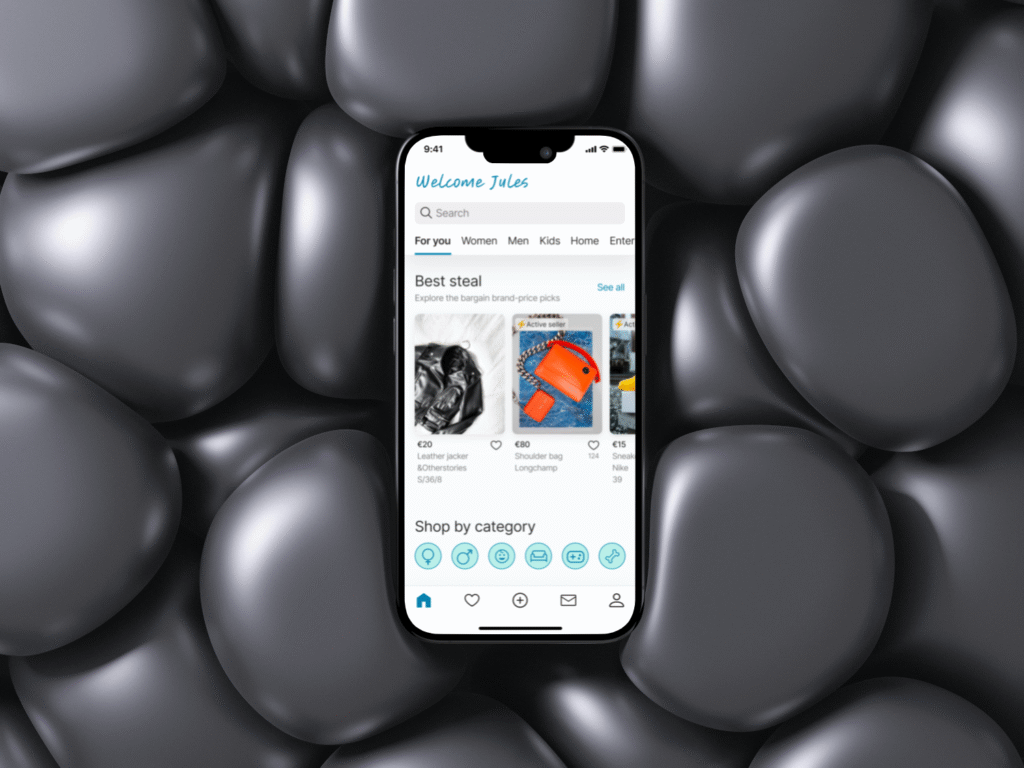
Problem
Discovery research reveals navigation challenges, slowing down product access, and inefficient navigation when users were finding the products. The landing page doesn’t guide users to what they want without having to go through multiple layers, leading to a negative experience.
How might we improve the experience for users so that they find a desired product easier and faster?
Solution
Streamline information architecture, content, and change navigation design based on user research for improved item discovery, potentially boosting satisfaction and adoption rates.
Result & KPIs
- 70% of users were more satisfied with the revised design
- With the new design, users were 10 seconds faster and reported noticeably higher satisfaction with the experience.
- 95% of users found the information displayed easy to understand
Methods
Tools
- Figma & Figjam
- Useberry
- Apple IOS
- Open AI
Before & After
- Optimised landing page
- Optimised product discovery flow
- Optimised product detail page
- Optimised payment page
1. Optimised landing page
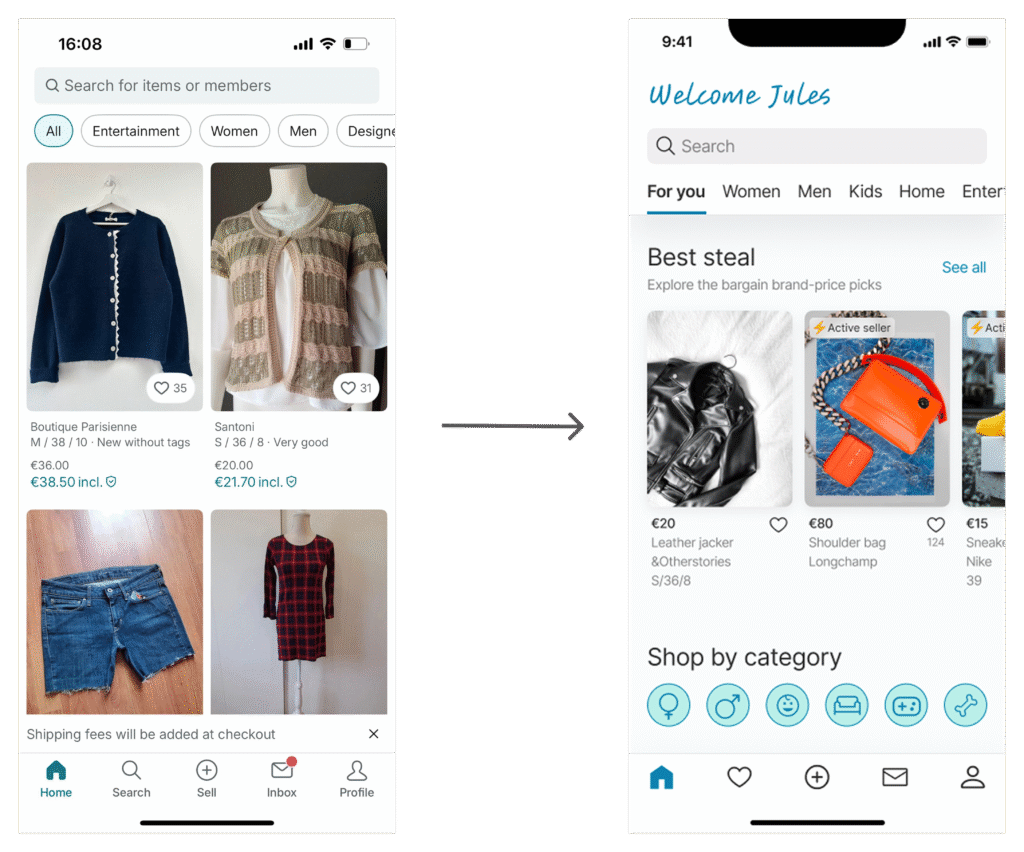
The original landing page was filled with a news feed that didn’t support users in finding products. Through research, I discovered that users needed clearer pathways. I redesigned the page with interest-based categories (Best Deals, Rare Items, Premium Materials) and added a navigation menu. This shift made product discovery faster and more enjoyable. Curious how I got there? → See the Process section.
2. Optimised product discovery flow
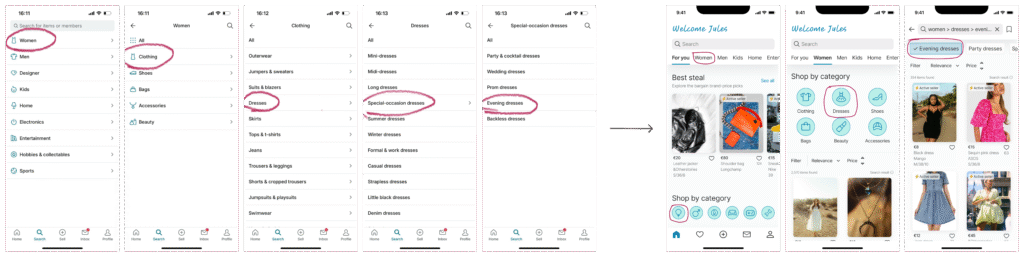
Ever wonder how long it takes just to get to the page you actually want? Apparently, Vinted hadn’t either. Users had to click through five layers just to reach a product page. No worries—I heard them. Now, from the landing page, users can navigate easily thanks to clearly visible product categories at the top and a handy product filter.
3. Optimised product detail page
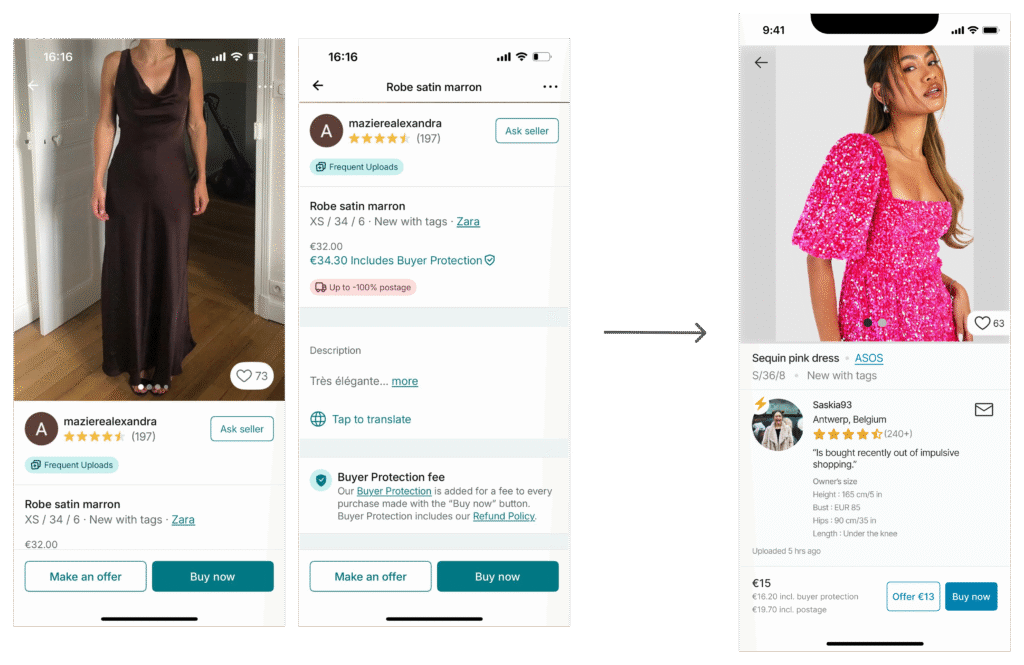
Users wanted active, responsive sellers, so I added an active-seller icon on seller avatar, “last update” time, and an active seller badge right in search result’s product display. I also reordered page content by user’s priority, following UX proximity rules. To give buyers more confidence, I included seller body measurements (helpful for sizing) and made the “Buy now” section transparent with price details to reduce mistakes. And sellers? They got love too—with a fixed minimum price button plus the option to negotiate via messages.
4. Optimised payment page
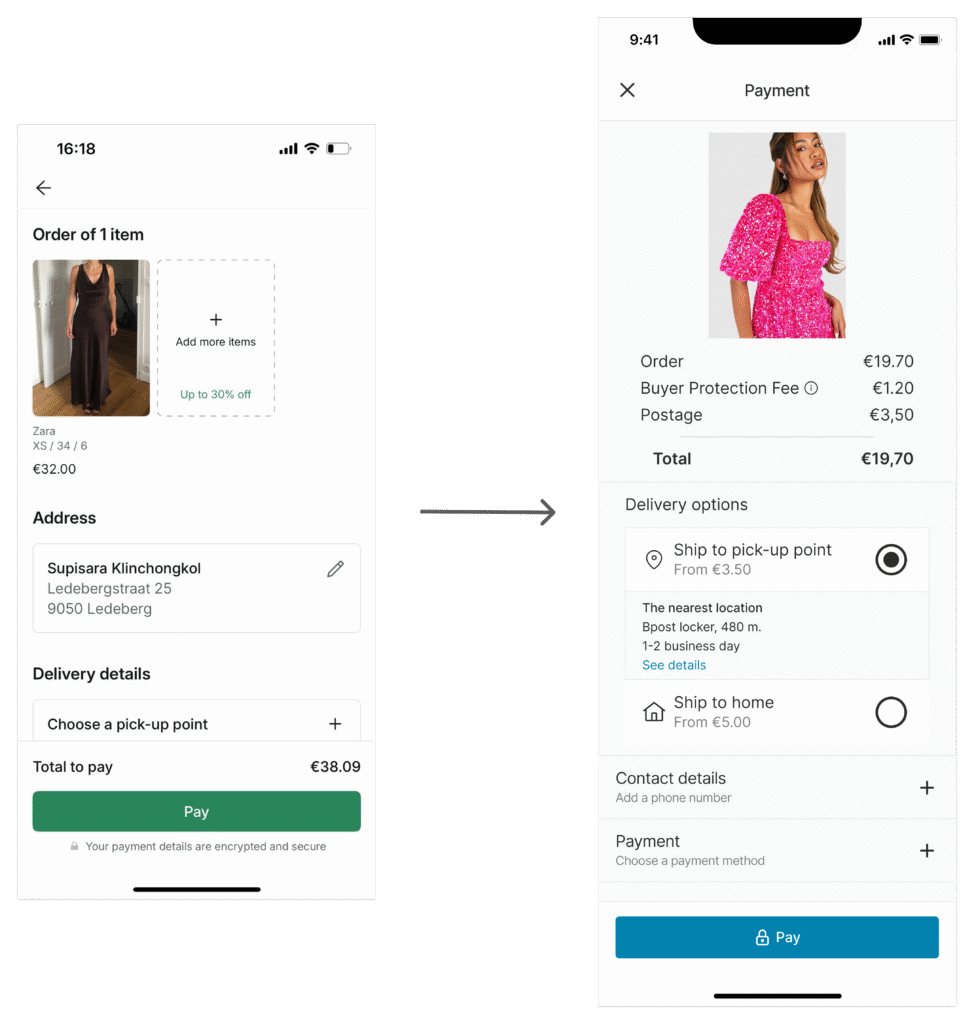
On the payment page, users cared most about the total price + breakdown—so I made it crystal clear, and made it the first priority. I streamlined delivery by merging address and shipping details into one simple section with clear options. And instead of long text about security, I dropped in a lock icon on the pay button—a universal cue that saves brainpower.
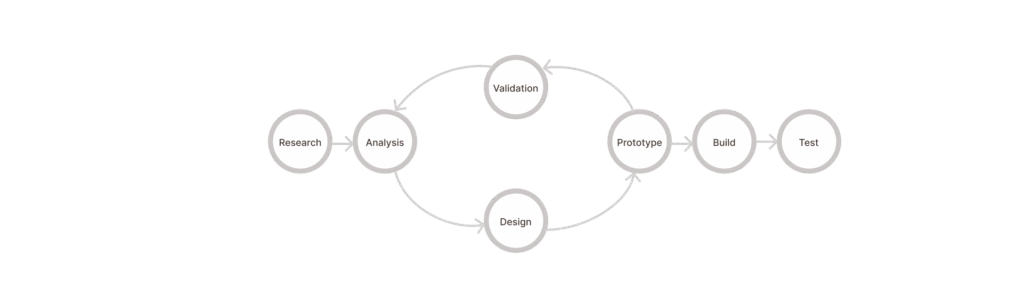
The design process
It’s intuitive, simple, and straight-forward. I like the use of icons instead of text as it’s easier to visualize. – User feedback survey
Discovery research
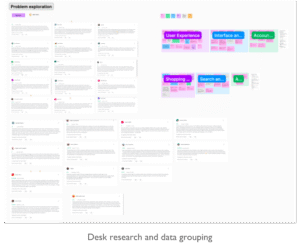
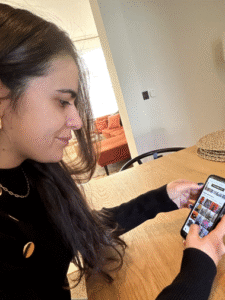
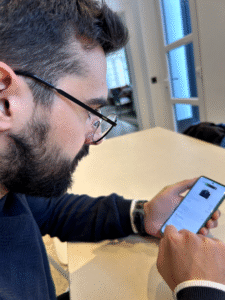
I started by sweeping the internet for customer feedback to spot common pain points. Then, I ran A/B usability tests with 3 real users to see how they actually navigate (and other important stuff) second-hand apps in context.
Define
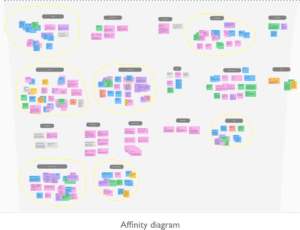
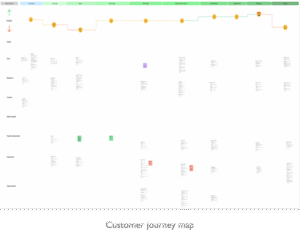
Following discovery research, I gathered and analysed data using affinity diagrams and customer journey maps to synthesise valuable insights.
Problem statement
To enhance user satisfaction and streamline navigation, we’ll reorganize information, simplify design, and apply UX principles and best practices for quicker task completion , and faster access to product pages.
Design & Prototype
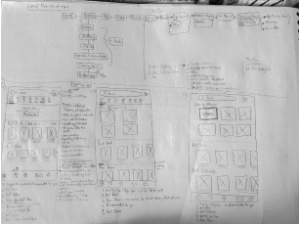
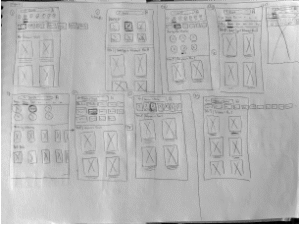
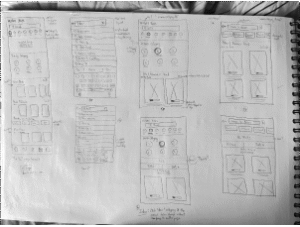
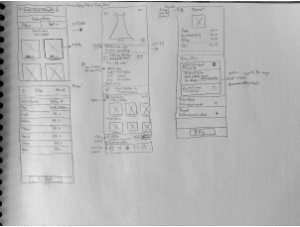
When it comes to drawing to generate ideas quickly, I’m a good ol’ paper & pencil fan (before AI took-over…hmm…even then). I used SCAMPER technique to help generate out-of-the-box ideas. Then I did hi-fi prototype in Figma (check out a demo at the end of the page).
Design Validation
Concluding the process, I conducted usability tests on Useberry to assess key performance indicators (KPIs) such as Time on Task and User Satisfaction Scale, informing future enhancements.
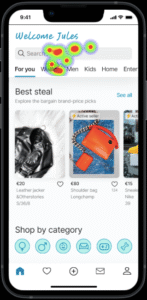
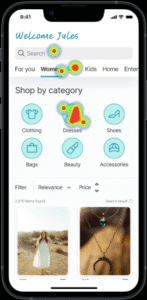
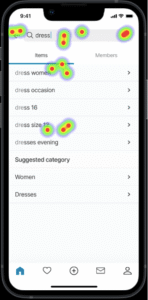
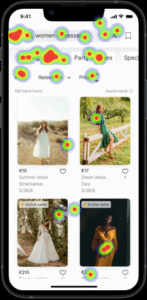
- 60% of users opted for global navigation to perform a product search.
- 85% of users completed the task, however, the drop-off was irrelevant.
- Users completed tasks in 12-30 seconds, significantly faster than the original app’s average of over 5 seconds longer. More importantly, users reported a better overall experience with the new design.
🎯 Single task test metric
- 12 participants
- Mixed tech-savviness
- 5 countries (EU & Asia)
🎯 Satisfaction metric
- 70% of users found the task rather easy to very easy, while others rated low score due to the technical difficulty.
- 95% of users found the information displayed easy to understand
Conclusion
The new navigation design and information layout are winners! They’ve made tasks quicker and left users feeling positive, a contrast to the original design. However, since I didn’t have time for moderated usability testing, there could be some important context missing. I would do the run-through test if I were to do the testing again, so the result is more accurate.